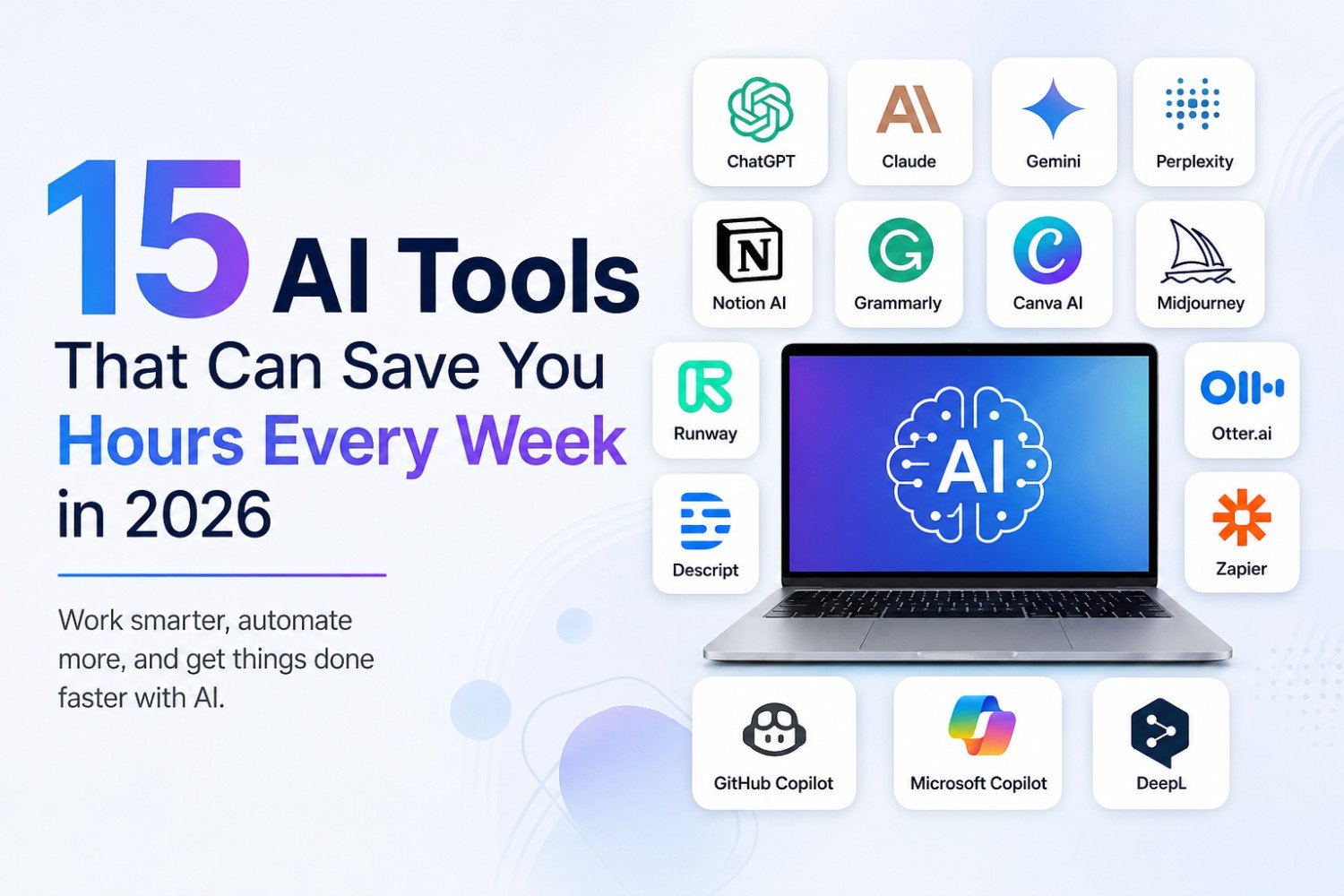
Artificial intelligence has moved far beyond being a novelty. In 2026, AI tools are becoming part of everyday workflows for writers, marketers, developers, students, entrepreneurs, and business teams.
The biggest advantage isn't simply that AI can “do things for you.” It can take care of repetitive work, organize information, create first drafts, summarize long documents, automate workflows, and help you make decisions faster.
The key is choosing the right AI tool for the right task. You don't need 20 different subscriptions. A small collection of well-chosen tools can eliminate hours of routine work every week. Current 2026 comparisons consistently highlight tools such as ChatGPT, Claude, Gemini, Perplexity, Canva, Notion AI, Grammarly, Zapier, GitHub Copilot, and Runway for different productivity use cases.
Here are 15 AI tools worth knowing in 2026.
1. ChatGPT – Your All-Purpose AI Assistant
OpenAI's ChatGPT remains one of the most versatile AI assistants available.
You can use it for everything from brainstorming and writing to analyzing files, summarizing information, creating plans, explaining complicated topics, and working with data.
For professionals, one of its biggest advantages is flexibility. Instead of switching between several applications for simple tasks, you can use one AI assistant as a starting point for many different workflows.
Great for:
- Writing and rewriting
- Brainstorming ideas
- Summarizing documents
- Data analysis
- Creating outlines and plans
- Research assistance
- Everyday productivity
Time-saving potential: High
2. Claude – Great for Long Documents and Detailed Writing
Anthropic's Claude is particularly useful when you're working with long-form content, detailed instructions, or complex written material.
It can help turn rough notes into structured documents, review large amounts of text, summarize lengthy material, and assist with writing and coding.
If your work involves reports, proposals, documentation, research notes, or lengthy drafts, Claude can reduce the amount of time spent organizing and refining information.
Great for:
- Long-form writing
- Document analysis
- Reports and proposals
- Research organization
- Coding assistance
Time-saving potential: High
3. Google Gemini – Productivity Inside the Google Ecosystem
For people who spend most of their day using Google's ecosystem, Google's Gemini can be particularly useful.
Its value comes from combining AI assistance with Google's broader productivity environment. Depending on your setup and plan, AI can help with tasks involving documents, email, information, and other parts of your workflow.
Instead of copying information between different applications, integrated AI can make certain everyday tasks more streamlined.
Great for:
- Google Workspace users
- Drafting and summarizing
- Brainstorming
- Research
- Working with documents
Time-saving potential: High
4. Perplexity – Faster Research With Sources
Traditional research can consume hours, especially when you need to search multiple websites and compare information.
Perplexity approaches research differently by generating answers alongside sources, making it easier to investigate a topic and follow up on the underlying information.
It's particularly useful when you want to get an initial understanding of a subject before diving deeper into individual sources.
Great for:
- Research
- Fact-finding
- Comparing information
- Finding sources
- Market research
Time-saving potential: Very high
Tip: AI-generated research should still be verified, especially when you're working with financial, legal, medical, or other high-stakes information.
5. Notion AI – Turn Your Workspace Into an AI Assistant
Notion is already popular for notes, documentation, project management, and knowledge management. Its AI capabilities can make that workspace considerably more useful.
Instead of manually searching through pages of notes, you can use AI to summarize information, generate content, organize ideas, and work with information stored in your workspace.
This can be particularly valuable for teams that keep meeting notes, project information, research, and documentation in Notion.
Great for:
- Notes
- Project documentation
- Knowledge management
- Meeting summaries
- Content organization
Time-saving potential: High
6. Grammarly – Edit While You Write
Writing an email or article is only part of the job. Checking grammar, clarity, tone, and readability can take almost as long as writing the original text.
Grammarly helps automate much of this editing process.
Rather than manually reading every sentence several times, you can use AI-powered suggestions to improve clarity and polish.
Great for:
- Emails
- Blog posts
- Business communication
- Grammar
- Tone adjustments
- Professional writing
Time-saving potential: Medium to high
7. Canva AI – Create Visuals Without Starting From Scratch
Creating a social media graphic, presentation, advertisement, or marketing visual traditionally requires design skills and considerable time.
Canva combines familiar design tools with AI features that can accelerate content creation.
You can use AI-assisted functionality to generate ideas, create visual assets, transform designs, and get a first version of marketing material much faster.
Great for:
- Social media graphics
- Presentations
- Marketing materials
- Blog images
- Posters
- Simple brand assets
Time-saving potential: High
8. Midjourney – Generate Custom Images With AI
When you need an original visual rather than a template, Midjourney can be useful.
Instead of searching stock-image libraries for the perfect image, you can describe the visual you need and generate an AI-created image.
This can be particularly useful for bloggers, publishers, marketers, designers, and social media creators who regularly need new visual content.
Great for:
- Editorial images
- Creative concepts
- Marketing visuals
- Social media content
- Concept art
Time-saving potential: High
9. Runway – Speed Up Video Creation
Video production can involve scripting, editing, visual effects, captions, and countless small adjustments.
Runway focuses on AI-powered video creation and editing, making it easier for creators to experiment with visual ideas without performing every step manually.
For content teams producing short-form videos, promotional content, or visual experiments, AI can significantly reduce the time required for certain production tasks.
Great for:
- AI video generation
- Video editing
- Marketing videos
- Creative experiments
- Short-form content
Time-saving potential: High
10. Descript – Edit Video Like a Document
Descript takes a different approach to video editing: it lets you work with a transcription of your recording.
That means editing the text can correspond to editing the underlying audio or video.
For podcasts, interviews, tutorials, and talking-head videos, this can eliminate a lot of repetitive editing work.
Great for:
- Podcasts
- Interviews
- YouTube videos
- Transcription
- Removing unwanted sections
- Video editing
Time-saving potential: Very high for frequent video creators
11. Otter.ai – Never Manually Take Meeting Notes Again
Meetings can be productive, but manually taking notes while participating in a discussion is difficult.
Otter.ai can transcribe conversations and help turn meetings into searchable information.
Instead of trying to remember everything that was discussed, you can use the resulting transcript and summaries to review key points and follow-ups.
Great for:
- Meetings
- Interviews
- Lecture notes
- Transcription
- Action items
Time-saving potential: High
12. Zapier – Automate Repetitive Workflows
Some of the biggest productivity gains don't come from generating content—they come from eliminating repetitive tasks altogether.
Zapier connects different applications and can automate workflows between them.
For example, a workflow could take information from a form, add it to a spreadsheet, notify a team member, and create a task automatically.
AI features can make these workflows easier to build and manage.
Great for:
- Business automation
- Lead management
- Notifications
- Data entry
- Marketing workflows
- Connecting applications
Time-saving potential: Extremely high for repetitive workflows
13. GitHub Copilot – Your AI Coding Partner
Developers spend a significant amount of time writing repetitive code, searching documentation, debugging, and understanding unfamiliar codebases.
GitHub's Copilot can assist directly within development environments by generating code suggestions and helping developers work through programming tasks.
The important distinction is that Copilot isn't a replacement for software engineering judgment. Developers still need to review generated code, test it, and understand what it does.
Great for:
- Code generation
- Debugging
- Refactoring
- Documentation
- Learning unfamiliar code
Time-saving potential: Very high for developers
14. Microsoft Copilot – AI for Microsoft 365 Users
If your work revolves around Word, Excel, PowerPoint, Outlook, and other Microsoft products, Microsoft Copilot can fit naturally into your existing workflow.
Rather than moving information into a separate AI application, integrated AI can help with tasks such as drafting documents, summarizing information, preparing presentations, and working with workplace content.
For organizations already invested heavily in Microsoft 365, this integration can be more useful than simply choosing a standalone chatbot.
Great for:
- Word
- Excel
- PowerPoint
- Outlook
- Business workflows
- Document summarization
Time-saving potential: High
15. DeepL – Translate and Rewrite More Efficiently
Translation doesn't always require a human to start from scratch.
DeepL uses AI to help translate and improve multilingual content.
For businesses communicating with international customers or teams, it can reduce the time spent producing first-pass translations and adapting text between languages.
Great for:
- Translation
- Multilingual communication
- Business documents
- Emails
- Content localization
Time-saving potential: Medium to high
Which AI Tool Should You Start With?
You don't need to sign up for all 15 tools.
A better approach is to identify the tasks that consume the most time in your week and choose AI around those bottlenecks.
| Your biggest time drain | Tool to consider |
|---|---|
| Writing and brainstorming | ChatGPT or Claude |
| Research | Perplexity |
| Google Workspace tasks | Gemini |
| Notes and documentation | Notion AI |
| Editing writing | Grammarly |
| Graphic design | Canva AI |
| Custom images | Midjourney |
| Video creation | Runway |
| Video/podcast editing | Descript |
| Meeting notes | Otter.ai |
| Repetitive workflows | Zapier |
| Coding | GitHub Copilot |
| Microsoft 365 work | Microsoft Copilot |
| Translation | DeepL |
Current 2026 comparisons similarly emphasize that the best AI stack depends on the specific workflow rather than there being one universal winner.
How Much Time Can AI Actually Save?
The answer depends heavily on your job.
Someone who spends several hours a week writing emails may save a few hours through AI-assisted drafting and editing. A developer may save considerably more by using AI for repetitive coding tasks. A marketing team can potentially save even more by automating content production, reporting, and repetitive workflows.
But there's an important distinction:
AI doesn't automatically save time. A good workflow does.
If you spend 20 minutes correcting an AI-generated document that would have taken you 15 minutes to write yourself, you haven't gained anything.
The biggest savings usually come from tasks that are:
- Repetitive
- Time-consuming
- Easy to review
- Structured
- Frequently performed
- Based on information you already have
The Best Way to Build an AI Productivity Stack in 2026
Instead of collecting dozens of AI subscriptions, start with three categories.
1. One general-purpose AI assistant
Choose something like ChatGPT, Claude, or Gemini for brainstorming, writing, analysis, and everyday tasks.
2. One specialist tool
Choose based on your biggest bottleneck. That could be Perplexity for research, Canva for design, GitHub Copilot for coding, or Otter for meetings.
3. One automation tool
If you repeatedly move information between applications, consider an automation platform such as Zapier.
This approach is generally more practical than subscribing to every AI tool you encounter.
Don't Let AI Create More Work
There's a temptation to use AI for everything.
That's usually a mistake.
AI-generated content can contain factual errors, outdated information, incorrect assumptions, or poor judgment. Even current research evaluating AI systems shows that performance can vary depending on the task, so human review remains important.
The goal isn't to eliminate human involvement.
It's to eliminate unnecessary manual effort.
Use AI for the first draft, initial research, repetitive formatting, transcription, brainstorming, and routine processing. Keep human judgment for decisions, verification, strategy, sensitive information, and final approval.
Final Thoughts
The most useful AI tool isn't necessarily the one with the most impressive features. It's the one that removes a recurring task from your workload.
For one person, that might mean using ChatGPT to turn rough notes into polished content. For another, it could mean using Zapier to automate repetitive business processes. A developer might get the biggest benefit from GitHub Copilot, while a content creator could save hours with Descript or Runway.
In 2026, the real productivity advantage comes from building AI into the way you already work.
Start with one frustrating, repetitive task.
Automate or accelerate it.
Measure the time you save.
Then move to the next bottleneck.
Do that consistently, and those small savings can add up to hours every week—and potentially dozens of hours every month.
Tool capabilities, pricing, usage limits, and availability can change quickly, so check the provider's current plans and documentation before making a purchase.